Tempo
A study planner with a focus timer, spaced revision and flashcards, built to work on a phone.
Works today in the browser, in light and dark themes, and fits phone screens. Everything is saved only in this browser, so there are no accounts and no sync between devices (use the built-in backup text to move data). Auto-plan and the spaced-revision gaps use simple rules, not AI. An Android project that wraps this page as an APK has been prepared but has not been built or tested on a real phone, so daily reminders are only confirmed in the browser. The only outside request is Google Fonts.
01Project overview
Plan study tasks for the day and the week, focus with a Pomodoro timer and ambient sound, revise topics at spaced intervals, flip flashcards, and track your streak, subject time and mock exam scores.
Key features
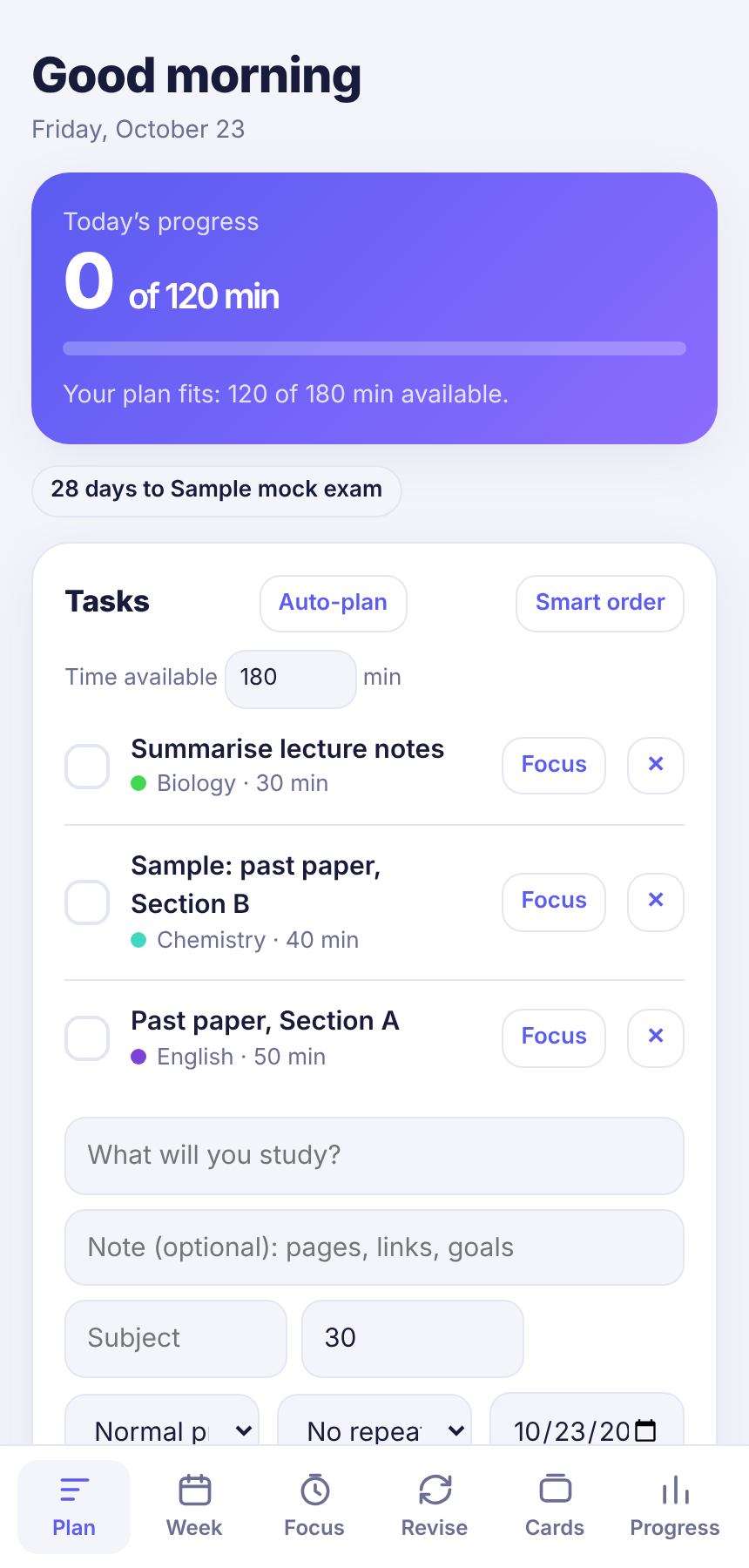
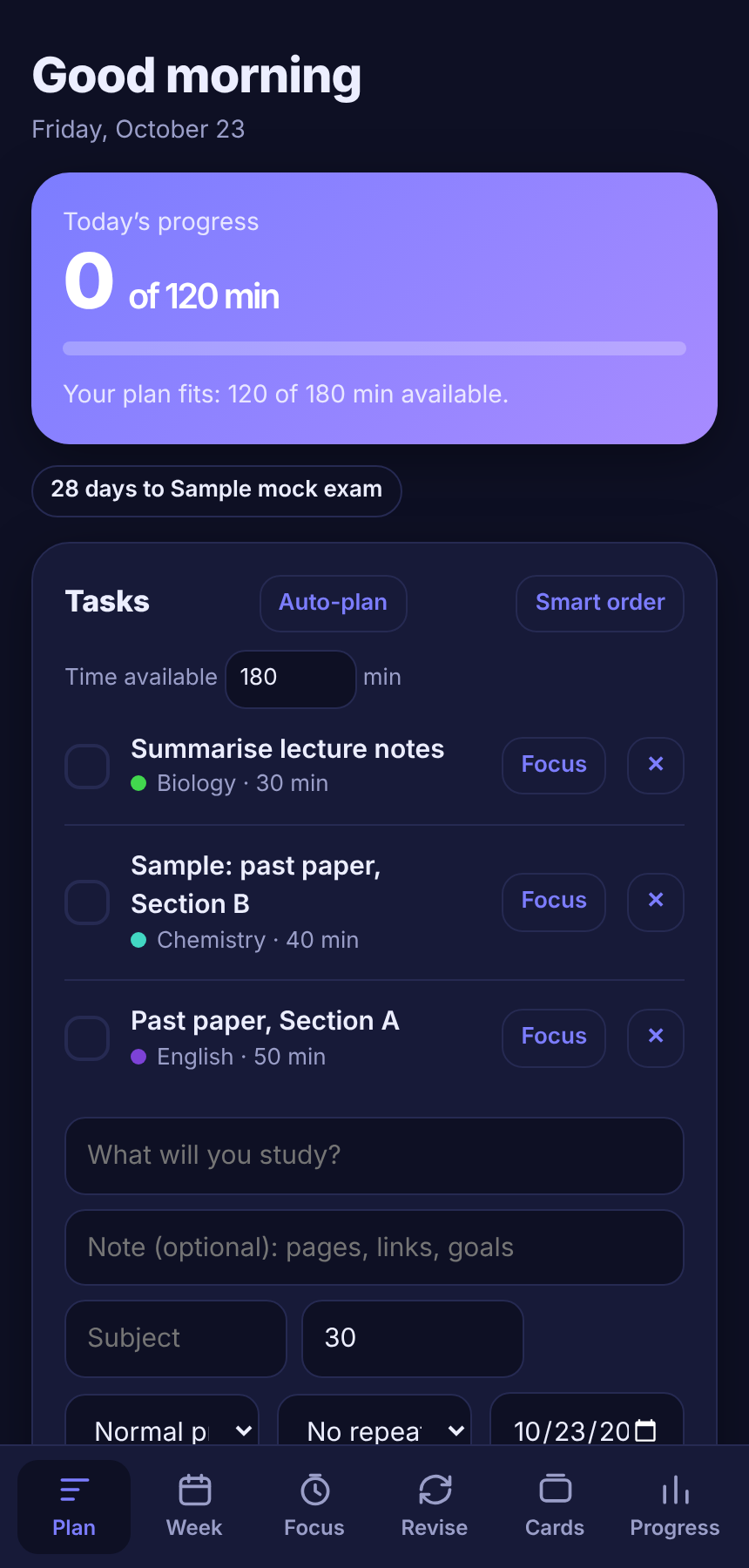
- Daily plan with a check that your tasks fit the time you have
- Auto-plan and smart order using exam dates, priority and how little each subject was studied
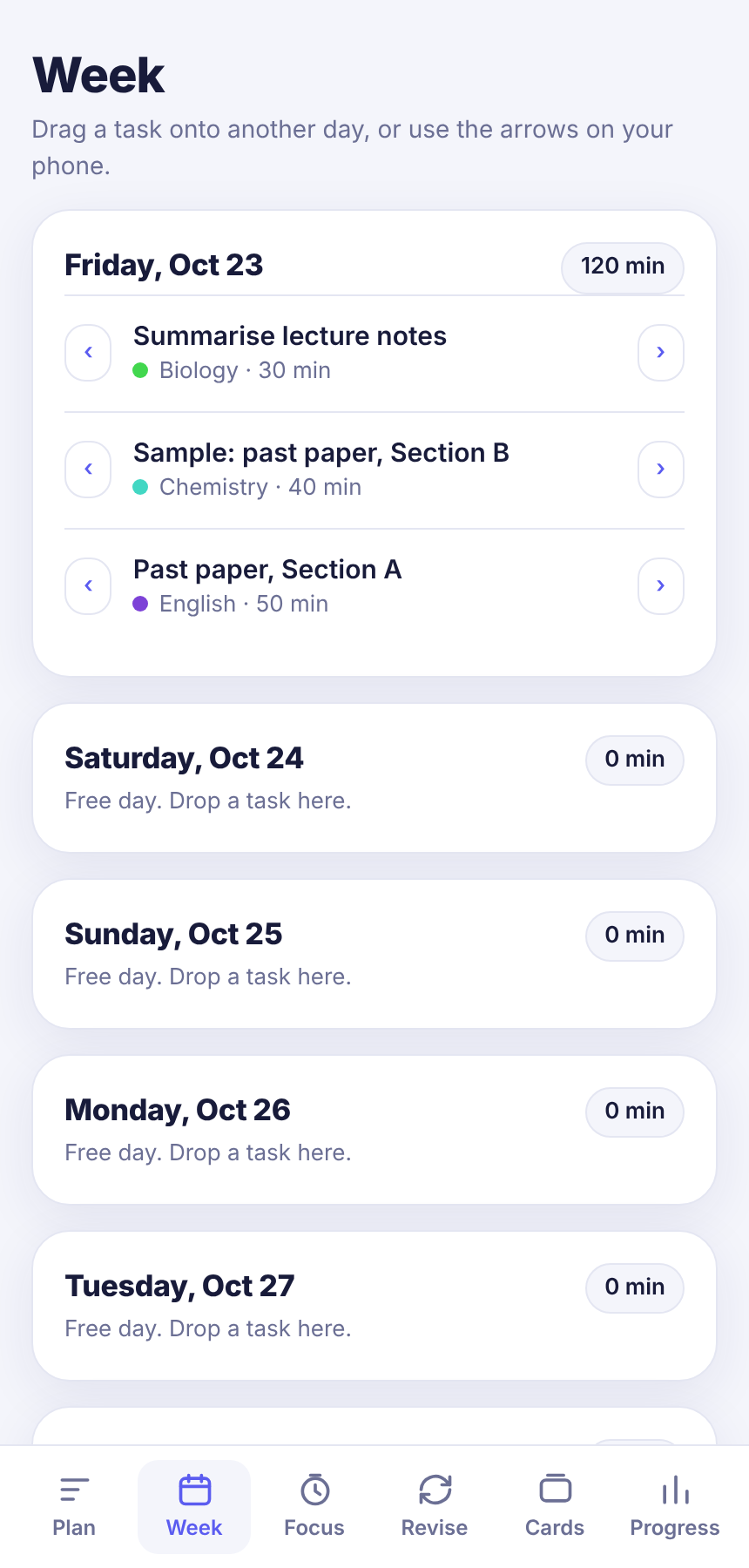
- Week view: drag tasks between days, or use the arrows on a phone
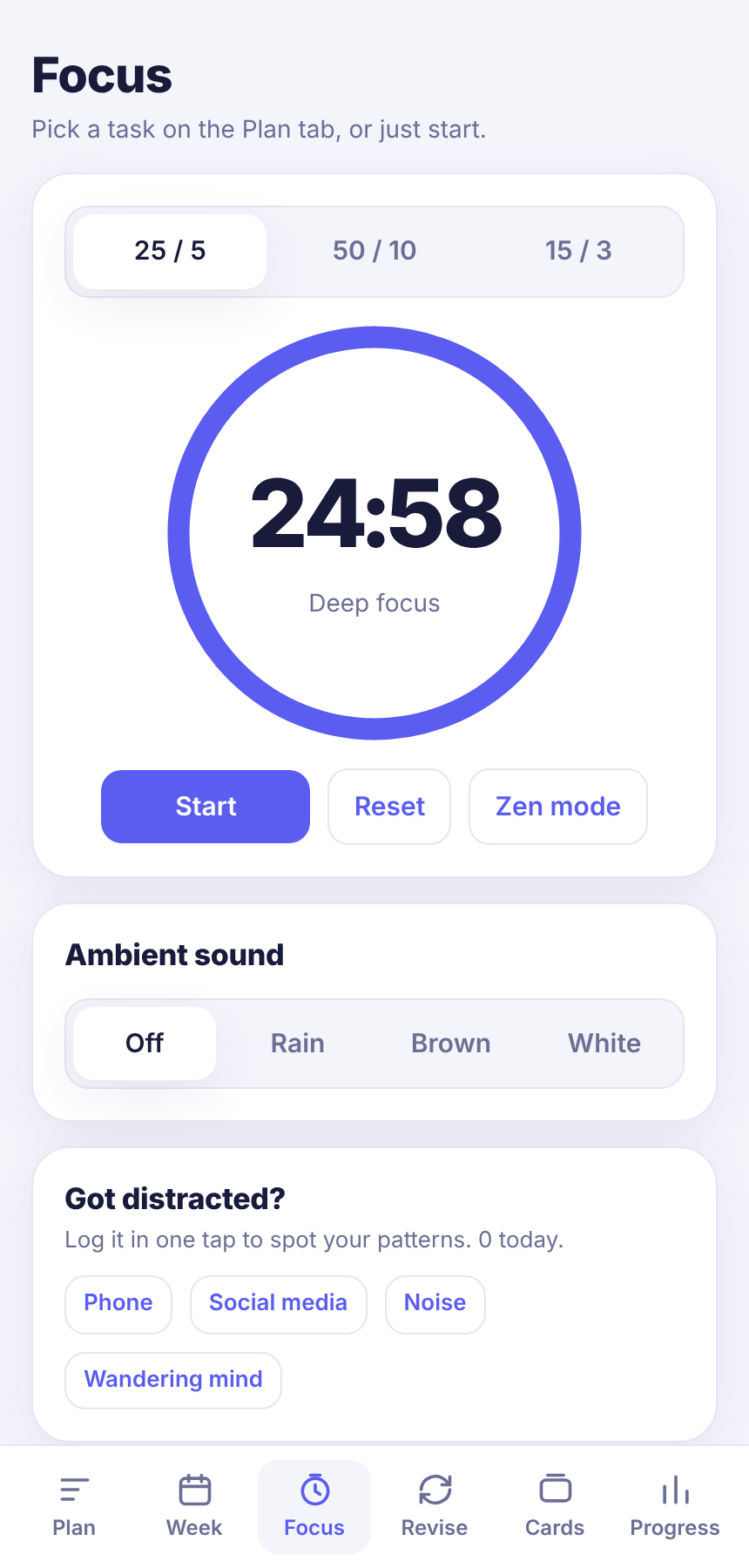
- Focus timer (25/5, 50/10, 15/3) with rain, brown and white noise, a zen mode and a distraction log
- Spaced revision at 1, 3, 7, 14 and 30 days, plus flashcards rated Again, Good or Easy
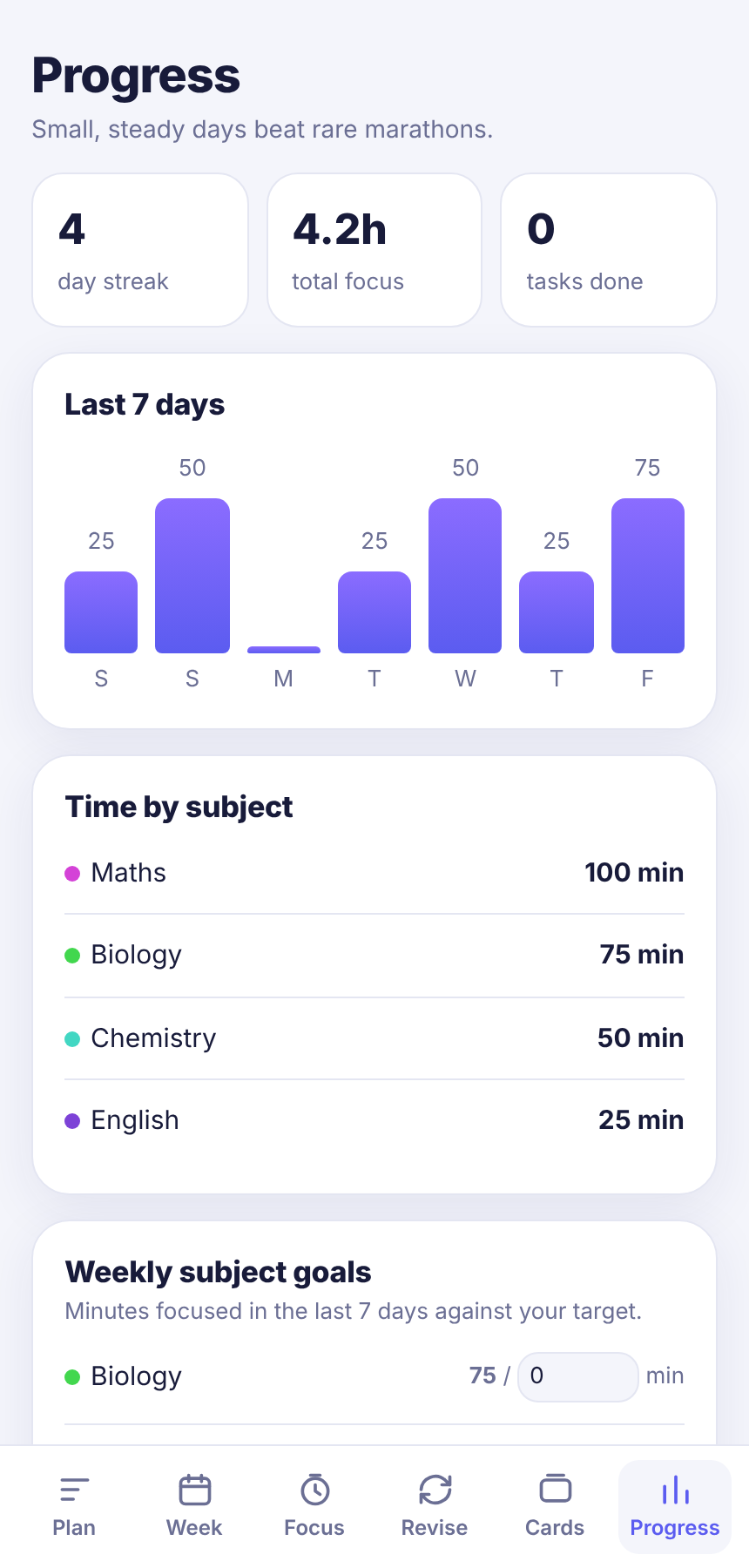
- Progress: streak, last 7 days, time by subject, weekly goals, mock exam scores and a weekly review
- Light and dark theme, and a copy-and-paste backup and restore
02Problem being solved
Many students plan in several places and do not notice what they are neglecting. Tempo puts the plan, the timer, revision and progress in one small app that opens instantly on a phone.
03Technical architecture
- A single self-contained HTML file with plain JavaScript and no framework.
- All data is kept in the browser's local storage. There is no server and no account.
- The timer works from an end time, so it stays accurate if the tab is slow. Ambient sound is generated in the page with the Web Audio API, so no audio files are needed.
- Spaced revision moves a topic through fixed gaps of 1, 3, 7, 14 and 30 days, and back to 1 day if it is forgotten.
- Text typed by the user is escaped before it is shown.
- A separate Capacitor project can wrap the same page as an Android app with local notifications for the daily reminder.
Technical documentation
Backup
Progress > Show backup copies your data as text. Paste it into Restore backup on another device or browser to load it.
04Technologies used
- HTML
- CSS
- JavaScript
- Web Audio API
- Capacitor
- Google Fonts
05Development process
- Started with the daily plan and the time-fit check.
- Added the focus timer, then revision, flashcards and progress around it.
- Added the week view, pace goals and backup, and prepared an Android project so it can be installed like an app.
06Interactive demonstration
This is the real app, running in your browser and designed for a phone. Your tasks are saved only on this device. Try the Focus tab for the timer.
07Screenshots
08Challenges and solutions
Challenge
Browsers pause timers and notifications when the page is hidden.
Solution
The timer is calculated from an end time instead of counting ticks. Reliable daily reminders need the Android app and its notification plugin, which is not yet tested on a phone.
Challenge
Long task names and a crowded header pushed the page wider than a small phone.
Solution
Rows now wrap and long words break, so the page no longer scrolls sideways at 320 pixels wide.
09Future improvements
- Build and test the Android app on a real phone
- Optional sync between devices
- Import a timetable
10Source code
Source code is not public yet
This project has no public repository. When one exists, add its URL as repo in data/projects.ts and the link appears here.